 EZOSTYLIALIFESTYLE WITH INTUITION
Tools for the topic
Articles on the topic
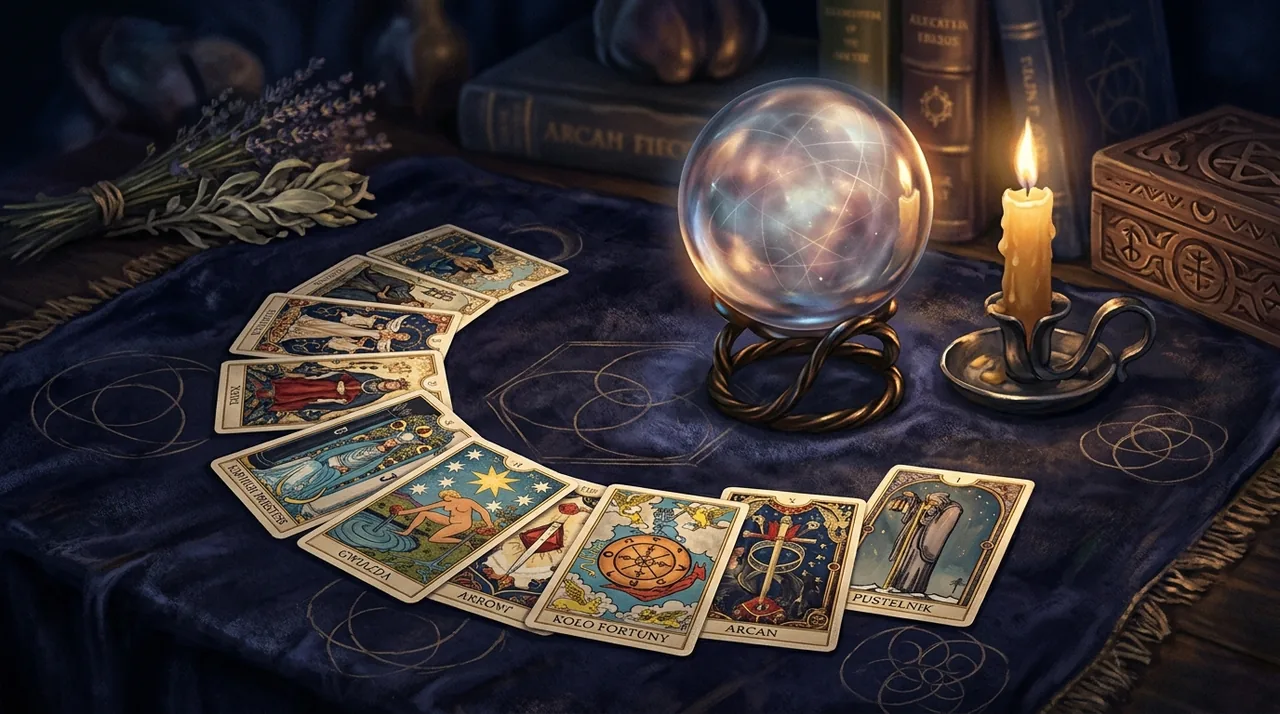 How to Read Tarot Cards for Beginners: A GuideWondering how to embark on your journey with the cards? Our guide explains how to read Tarot cards for beginners, blending tradition with practical learning of the symbols.
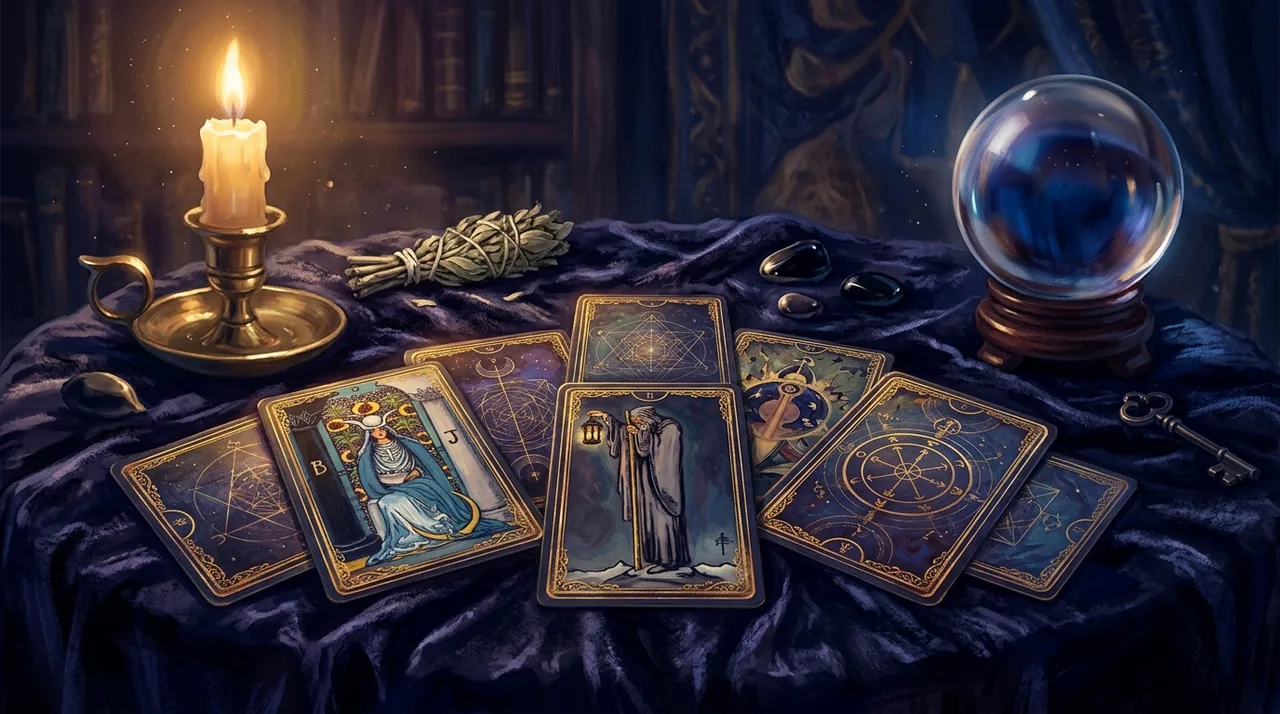 Free online Tarot – how to use it and what you should knowFree online Tarot is a modern way to have fun and reflect. Discover the differences between the digital and traditional approaches, as well as popular spreads available on Ezostylia.
 Synastry for Beginners: Relationship Astrology Step by StepSynastry, the comparison of two individuals' horoscopes, is one of the oldest astrological techniques. Discover how to interpret it step by step and how to use it wisely, without determinism.
 7-Day Full Moon Meditation Plan for Beginners in Ezostylia
 A Beginner's Guide to Reading Tarot Cards Online in 2026
 A Beginner's Guide to Reading Tarot Online with Ezostylia — 2026 Edition
 Daily AI Horoscope – How to Understand the Energy of the Day
 Tarot no — What it means and how to read the answers of the cards
 Why Tarot Isn't for Beginners: The Simplest Card Reading Framework
EZOSTYLIA
Your recent readings
Log in to save your readings and access them at any time.
Related topics
EZOSTYLIA PREMIUM
Want to explore deeper?
Extended interpretations and AI tools are available in the Ezostylia app. Ezostylia uses the latest AI chats (GPT, Claude, Gemini). Check the current packages and decide if it's right for you.
See Premium access →What we know, and what is interpretation
The AI assistant of Ezostylia is here to help organize questions and explain the meanings of symbols. Here you will find a description of possible applications: from conversation to a shared exploration of interpretations.
- Open-ended questions
- Explaining meanings
- Reflective exercises
Symbolic and cultural content — not a scientifically validated method for predicting the future.
Privacy & cookies
We only use strictly necessary cookies and local storage to operate the service (login, language, game state). We do not display tracking ads; partner links (e.g. Amazon) are clearly labeled. With your consent, we will also enable:
With your consent: analytics (PostHog) and campaign measurement (OpenAI pixel). You can change this at any time in the cookie settings. Privacy Policy.
- Analytics (PostHog, USA) — anonymous page views, no session recording, no chat content.
- Advertising — campaign measurement (OpenAI pixel): sign-up, purchase, game entry. No profiling of esoteric content.
You can change your choices at any time: Terms → Cookie settings. Further details in the Privacy Policy.